
Write together
Just start writing. What you type appears for the others once your messenger has delivered it; what they write appears for you.
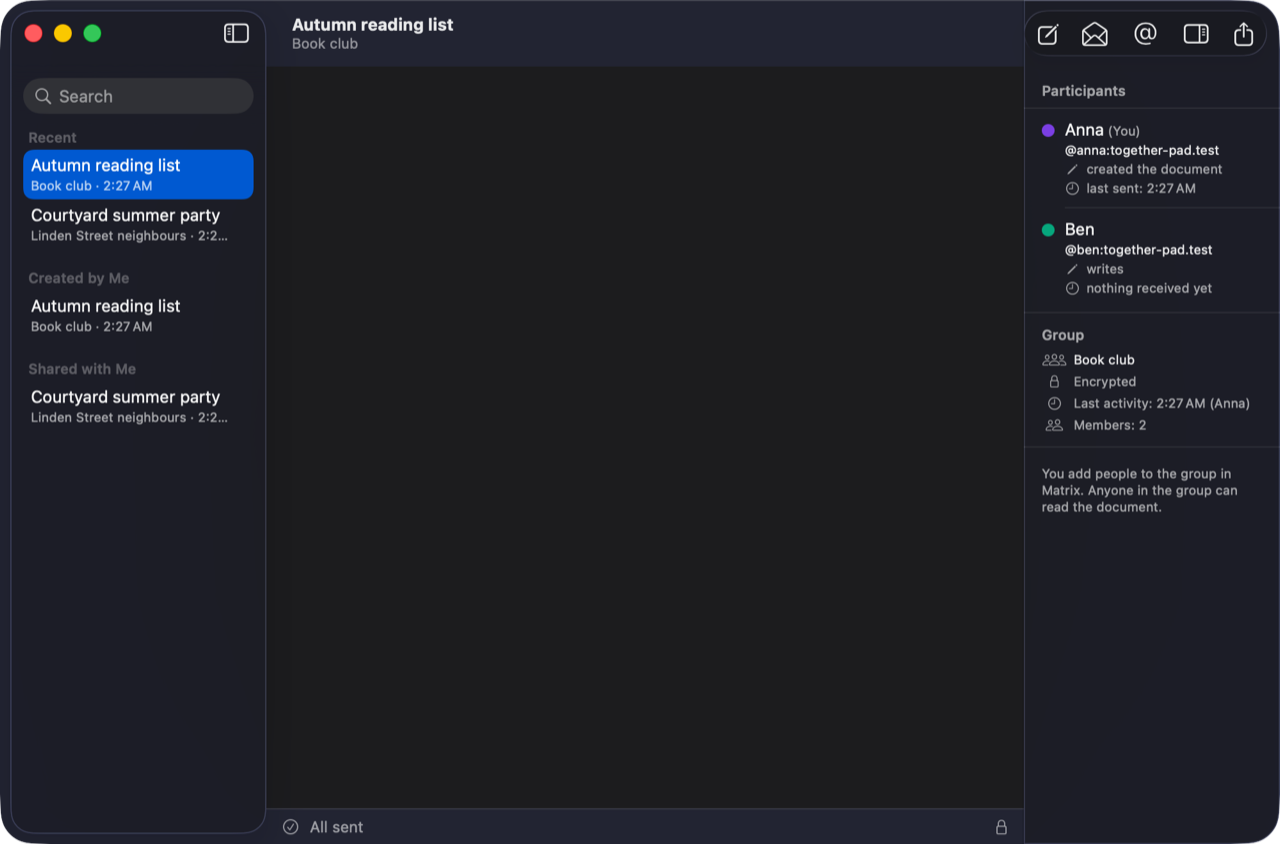
- Author colours show who wrote what: View → Show Author Colors (⌃⌘A).
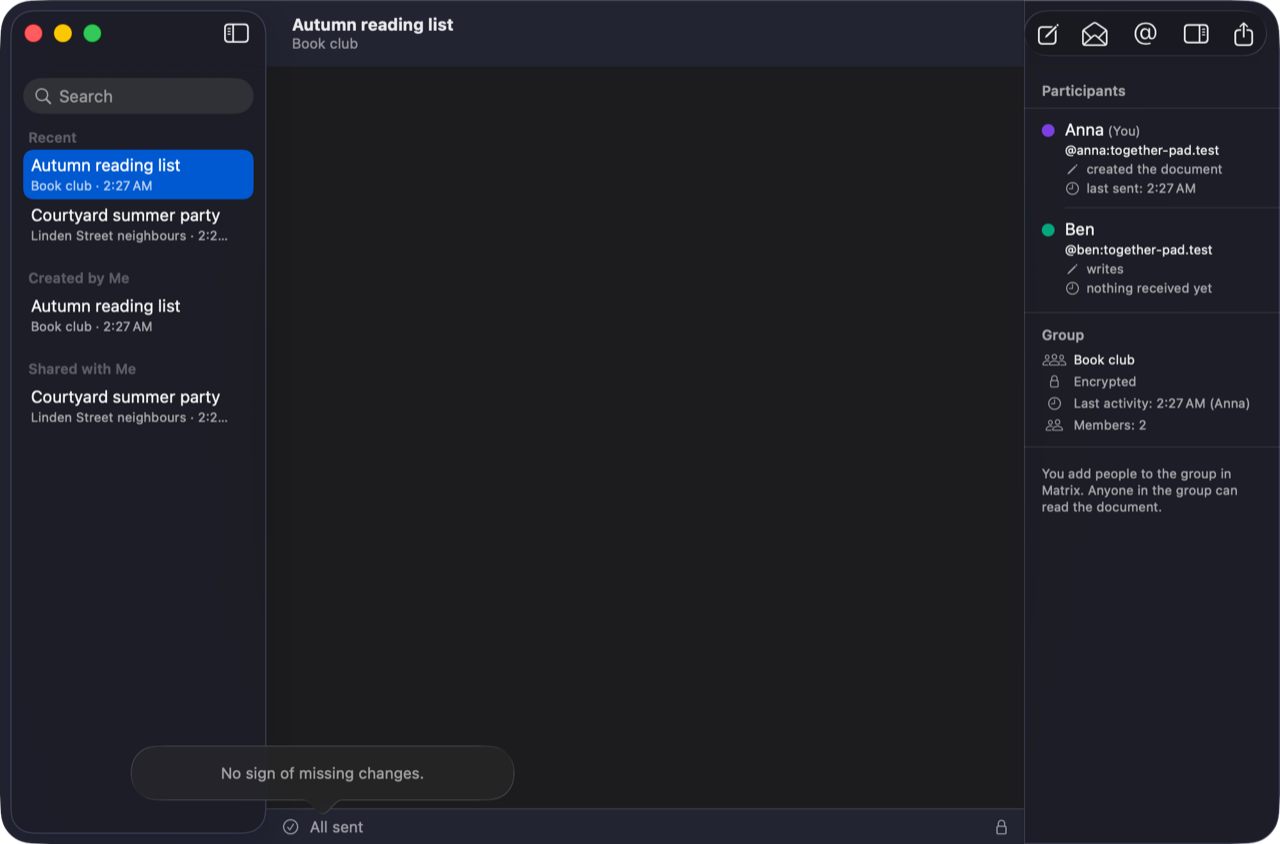
- The status line at the bottom says whether everything is sent or what Together-Pad is waiting for. Click it for details.
- On the right are the participants with their right and when something last came from them.
- Find and replace in the text: ⌘F, ⌥⌘F.
Changing rights and closing
If you created the document, a participant's context menu lets you choose whether they may write or only read. Document → Close for Good … closes it for good: nobody can write any more, everyone keeps their copy to read.